Methods and rewrites
Style rewrites such as set_stroke / set_fill, transform chains like shift / rotate, and the boundaries of save_state / restore and copy.
This page lists 13 examples. The code is imported from corpus/examples/method/; the screenshots are end states rendered on real machines.
set_stroke (mapped to setStyle)
Only the stroke changes (width / colour) while the fill stays as it was — set_stroke wiping the fill was a fixed incident and this case pins it.
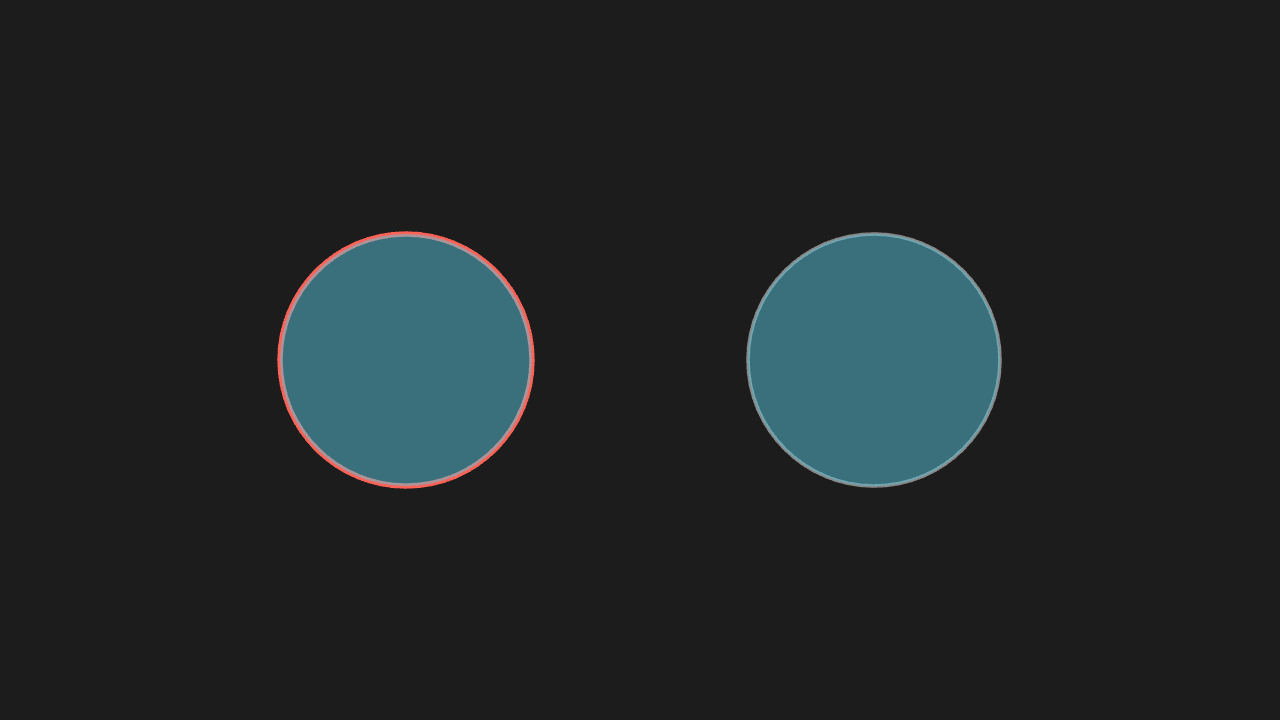
"""set_stroke(改写为 setStyle)

@expect 只有描边变了(粗细 / 颜色),填充保持原样——set_stroke 冲掉填充是修过的事故,这条钉它。
@note 2026-10-09 事故:manim-web 的 Mobject 没有 setStroke,当时直接报「无对应方法」
"""

from manim import *


class SetStrokeScene(Scene):
    def construct(self):
        circle = Circle(radius=1.4, fill_opacity=0.5)
        # 并排一颗未改动的对照圆(灰描边):两颗填充一致,证明 set_stroke 只动了描边
        control = circle.copy()
        circle.set_stroke(color=RED, width=6)
        control.set_stroke(color=GREY)
        circle.shift(LEFT * 2.6)
        control.shift(RIGHT * 2.6)
        self.play(Create(circle), Create(control))
        self.wait(0.3)
set_opacity (split into stroke + fill)
Stroke and fill fade together; the colour is unchanged.
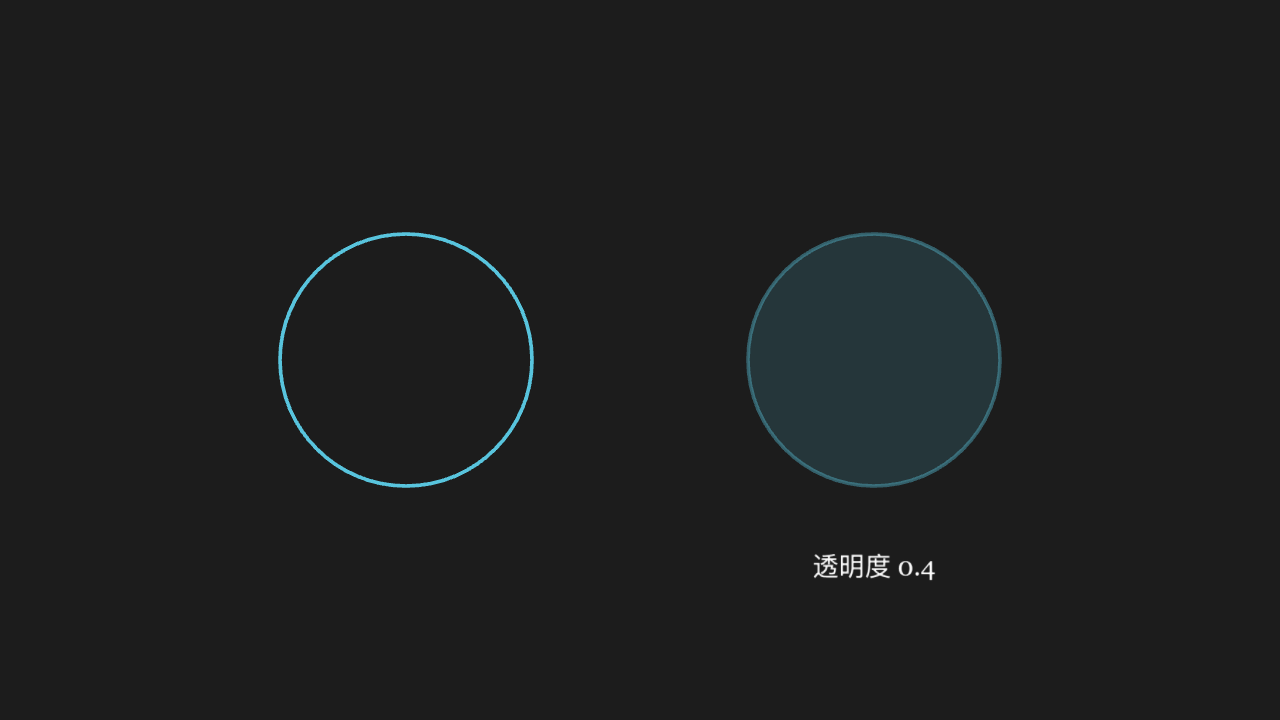
"""set_opacity(拆成描边 + 填充)

@expect 描边与填充的透明度一起变淡,颜色不变。"""

from manim import *


class SetOpacityScene(Scene):
    def construct(self):
        circle = Circle(radius=1.4, color=BLUE)
        # 左侧放原浓淡对照、右侧变淡后的:颜色不变、浓淡减半
        full = circle.copy()
        full.shift(LEFT * 2.6)
        circle.set_opacity(0.4)
        circle.shift(RIGHT * 2.6)
        label = Text("透明度 0.4", font_size=28)
        label.move_to([2.6, -2.3, 0])
        self.play(Create(full), Create(circle), Write(label))
        self.wait(0.3)
set_fill keyword opacity
The fill becomes the given colour with the given opacity; the stroke is untouched.

"""set_fill 关键字不透明度

@expect 填充色变成指定颜色、透明度生效,描边不受影响。
@note manim-web 的 setFill 把不透明度放在**第二个位置参数**,关键字直传会静默错位
"""

from manim import *


class SetFillScene(Scene):
    def construct(self):
        square = Square(side_length=2)
        square.set_fill(BLUE, opacity=0.5)
        self.play(Create(square))
        self.wait(0.3)
put_start_and_end_on (Line in two steps)
The line's two ends land exactly on the two given points.
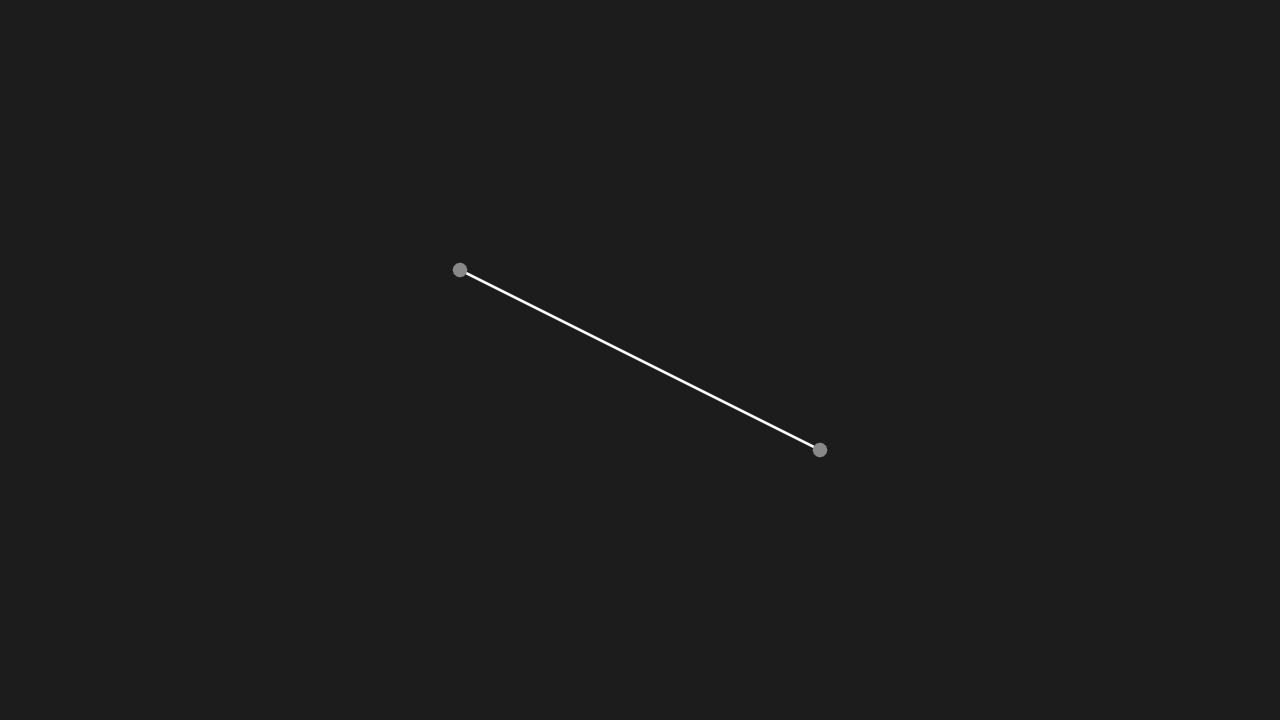
"""put_start_and_end_on(Line 拆两步)

@expect 线的两端精确落在指定的两个点上。"""

from manim import *


class PutStartAndEndOnScene(Scene):
    def construct(self):
        line = Line(start=[-2, -1, 0], end=[2, 1, 0])
        line.put_start_and_end_on([-2, 1, 0], [2, -1, 0])
        # 两颗灰点钉住指定的两个端点:线两端精确压点而过
        ends = VGroup(Dot([-2, 1, 0], color=GREY), Dot([2, -1, 0], color=GREY))
        self.play(Create(line), FadeIn(ends))
        self.wait(0.3)
next_to with buff
The gap between the two mobjects matches the buff value — neither touching nor too far apart.
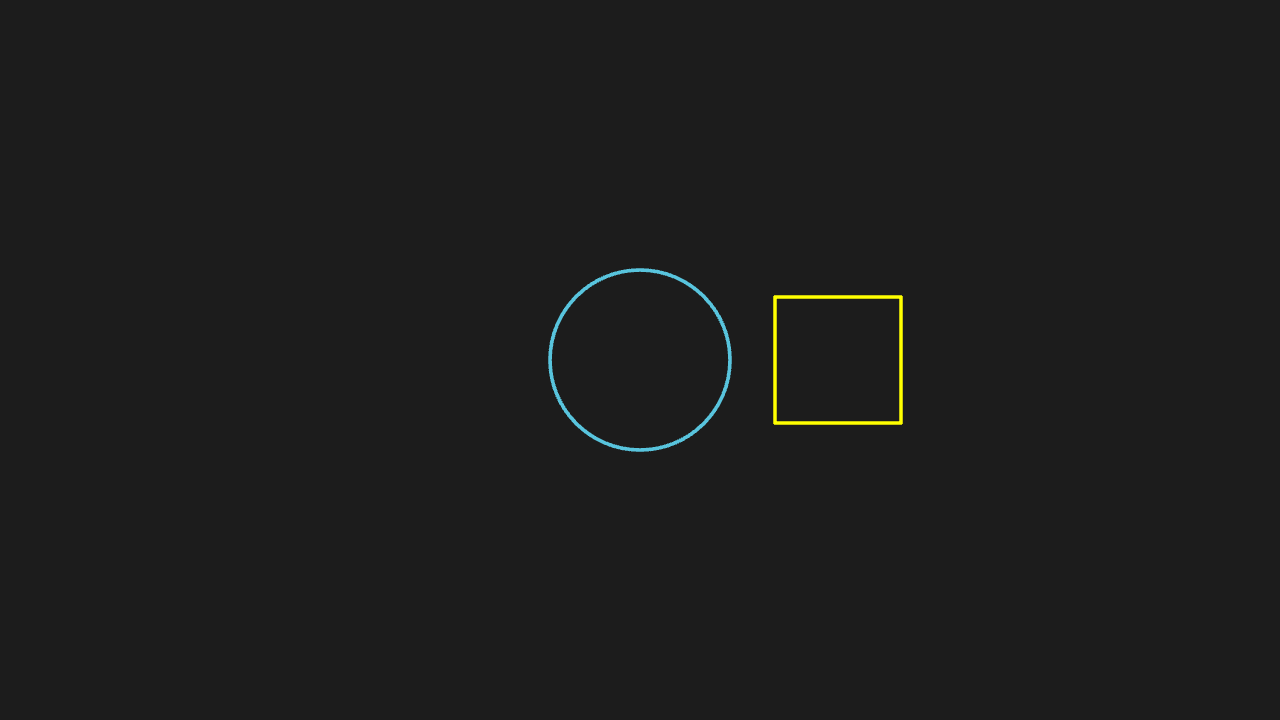
"""next_to 带 buff

@expect 两物体之间留的空隙与 buff 值一致,不贴死也不离太远。
@note manim-web 的 nextTo 把 buff 放在第三个**位置**参数上
"""

from manim import *


class NextToBuffScene(Scene):
    def construct(self):
        circle = Circle(radius=1)
        square = Square(side_length=1.4, color=YELLOW)
        square.next_to(circle, RIGHT, buff=0.5)
        self.play(Create(circle), Create(square))
        self.wait(0.3)
to_edge / to_corner
The mobject sticks to the given edge or corner, keeping a buff from the border.
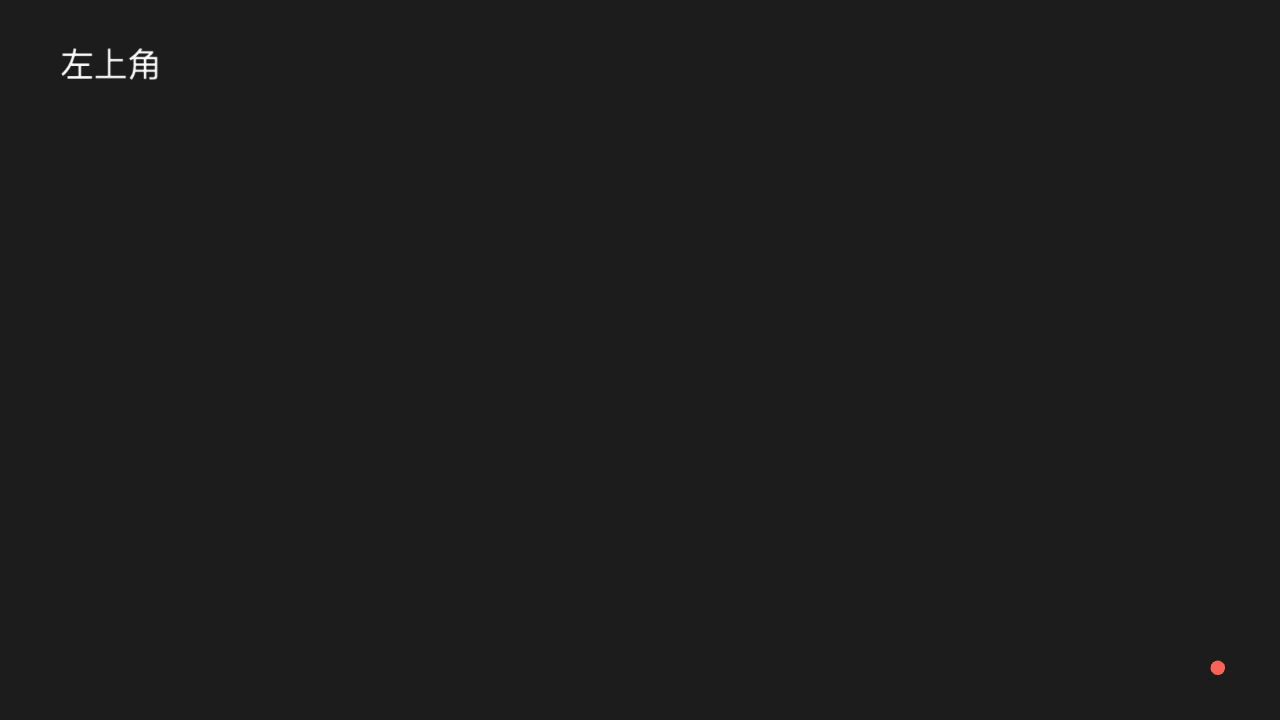
"""to_edge / to_corner

@expect 物体贴到指定边 / 角,并与边界留出 buff。"""

from manim import *


class EdgeCornerScene(Scene):
    def construct(self):
        txt = Text("左上角", font_size=36)
        txt.to_corner(UL)
        dot = Dot(color=RED)
        dot.to_edge(DR)
        self.play(Write(txt), FadeIn(dot))
        self.wait(0.3)
shift / move_to / scale / rotate chain
The four calls chain in order; the final position and orientation match the chain.
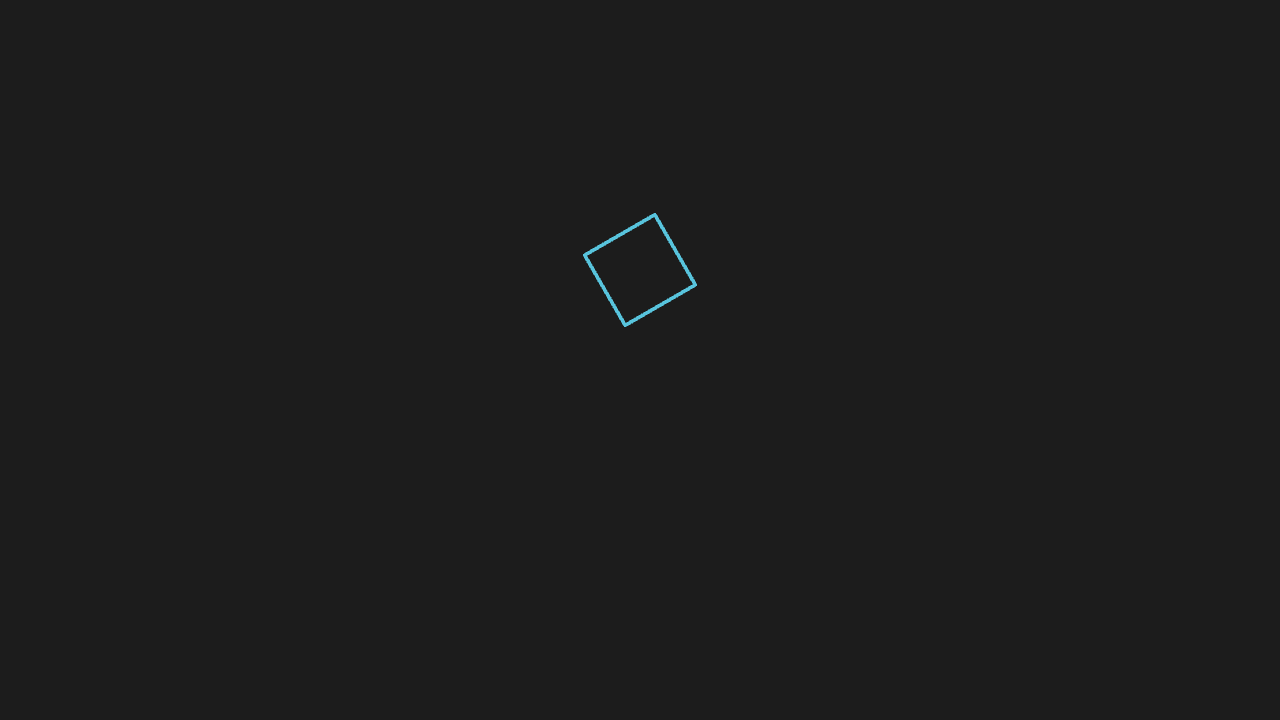
"""shift / move_to / scale / rotate 链

@expect shift / move_to / scale / rotate 依次链上去,最终位置朝向与链的顺序一致。"""

from manim import *


class ProcessFamilyScene(Scene):
    def construct(self):
        square = Square(side_length=1.5, color=BLUE)
        square.shift(RIGHT * 2)
        square.move_to(UP * 1)
        square.scale(0.6)
        square.rotate(PI / 6)
        self.play(Create(square))
        self.wait(0.3)
arrange_in_grid
A set of mobjects laid out in a tidy grid with the requested rows, columns and spacing.
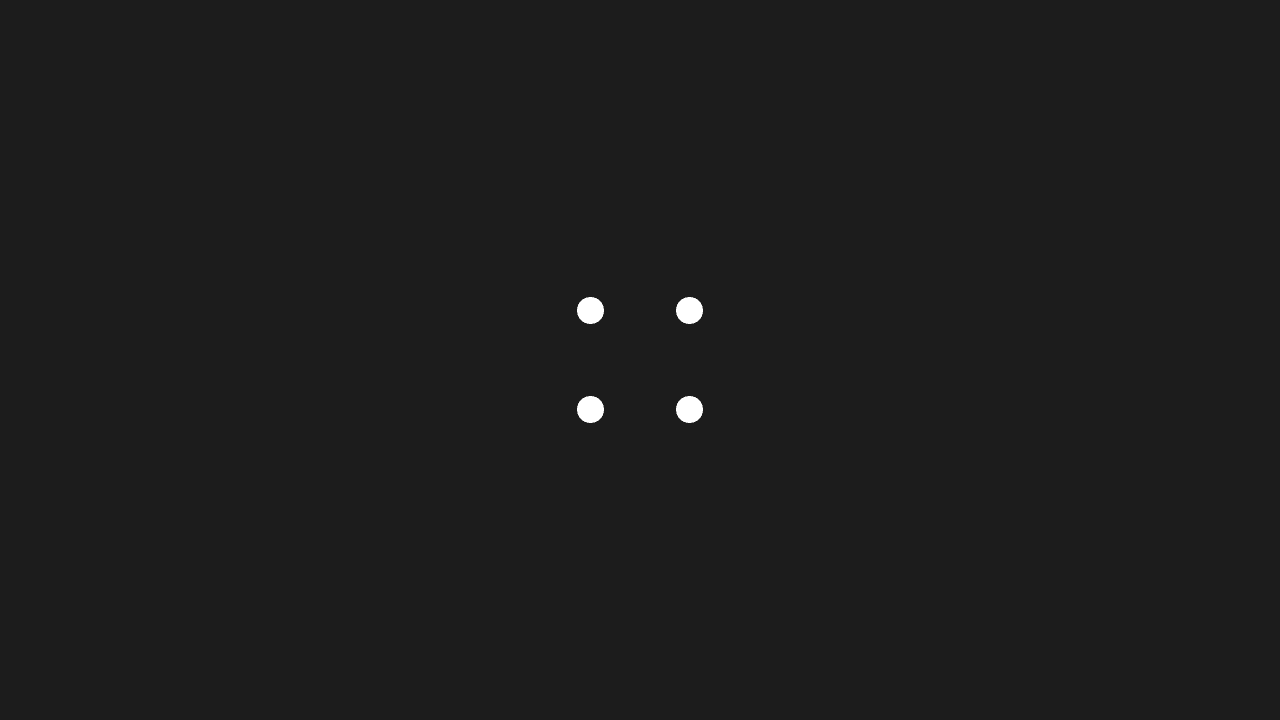
"""arrange_in_grid

@expect 一组物体排成整齐的网格,行列数与间距按参数。
@note CE 只有一个 buff,manim-web 拆成 buffX / buffY 两个位置参数
"""

from manim import *


class ArrangeGridScene(Scene):
    def construct(self):
        dots = VGroup(*[Dot(radius=0.15) for _ in range(4)])
        dots.arrange_in_grid(rows=2, cols=2, buff=0.8)
        self.play(FadeIn(dots))
        self.wait(0.3)
save_state / restore
After the changes, restore returns the mobject to its save_state look — position, size and style all back.
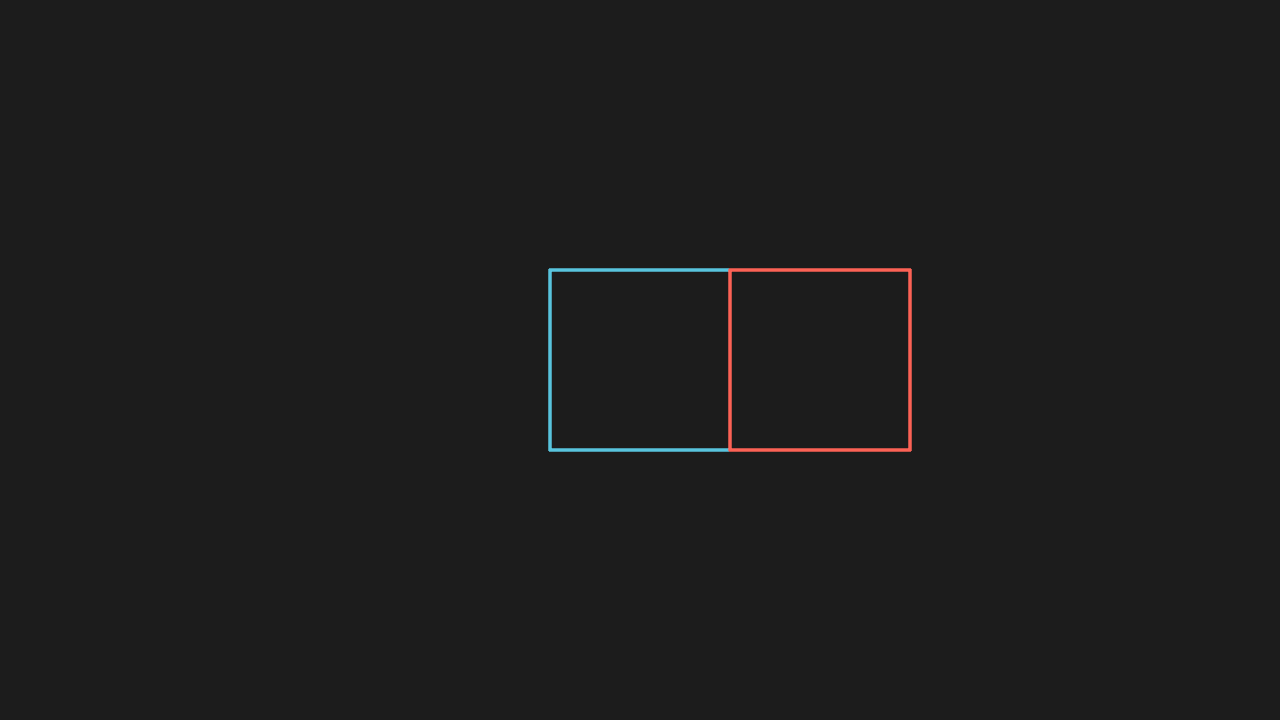
"""save_state / restore

@expect 改动后 restore 回到 save_state 时的样子(位置 / 大小 / 样式都回去)。
@note CE 的 restore() 在 manim-web 叫 restoreState()
"""

from manim import *


class SaveRestoreScene(Scene):
    def construct(self):
        square = Square(side_length=2, color=BLUE)
        square.save_state()
        self.add(square)
        self.play(square.animate.shift(RIGHT * 2).set_color(RED))
        # 改动后的红色偏移副本留作影子:restore 后与居中蓝方块同框对照
        ghost = square.copy()
        square.restore()
        self.add(ghost)
        self.wait(0.3)
become swaps the shape
After playback the mobject has become the target shape; become replaces rather than copies.
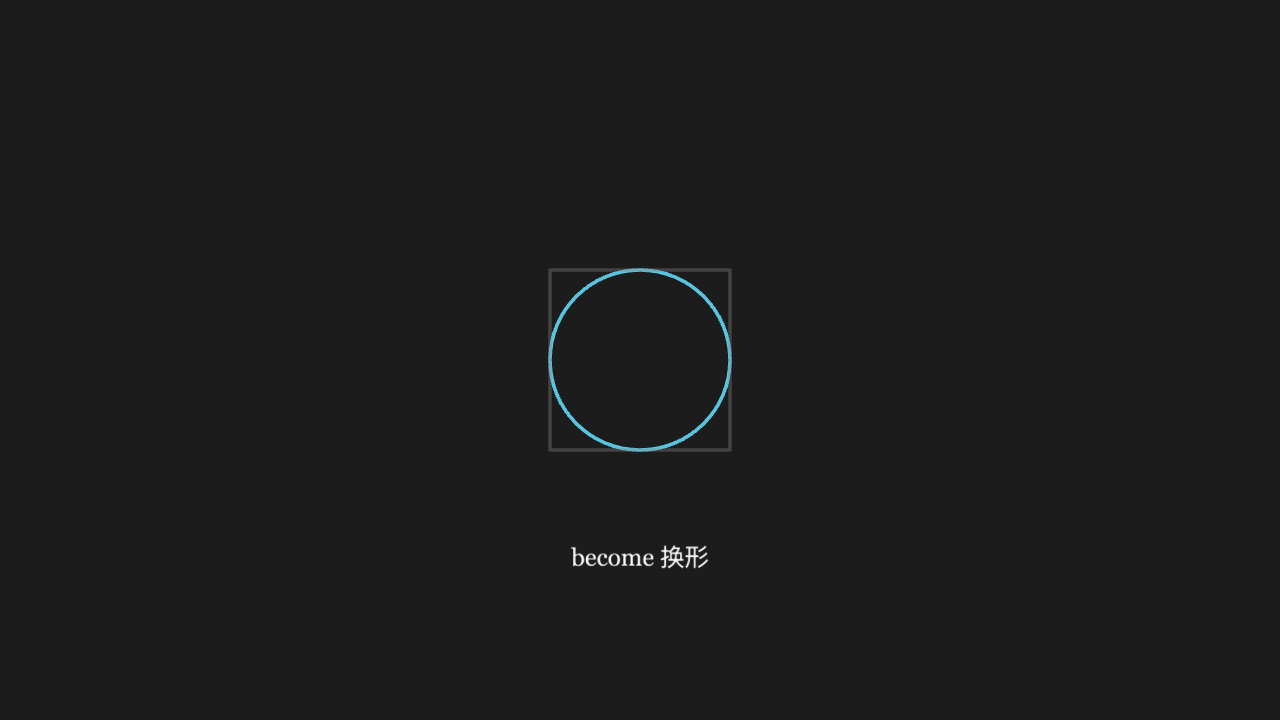
"""become 换形

@expect 播完后物体变成了目标形状(become 是直接换形,不是复制一份)。"""

from manim import *


class BecomeScene(Scene):
    def construct(self):
        circle = Circle(radius=1, color=BLUE)
        square = Square(side_length=2, color=YELLOW)
        self.add(square)
        # become 前存方块 ghost:become 后灰方块轮廓与蓝圆并存,直接看出「换形」
        ghost = square.copy().set_stroke(GREY, opacity=0.35)
        square.become(circle)
        label = Text("become 换形", font_size=26)
        label.move_to([0, -2.2, 0])
        self.add(ghost, label)
        self.wait(0.3)
Reading the width attribute
The printed width matches the mobject's real width (the numeric assertion is authoritative).
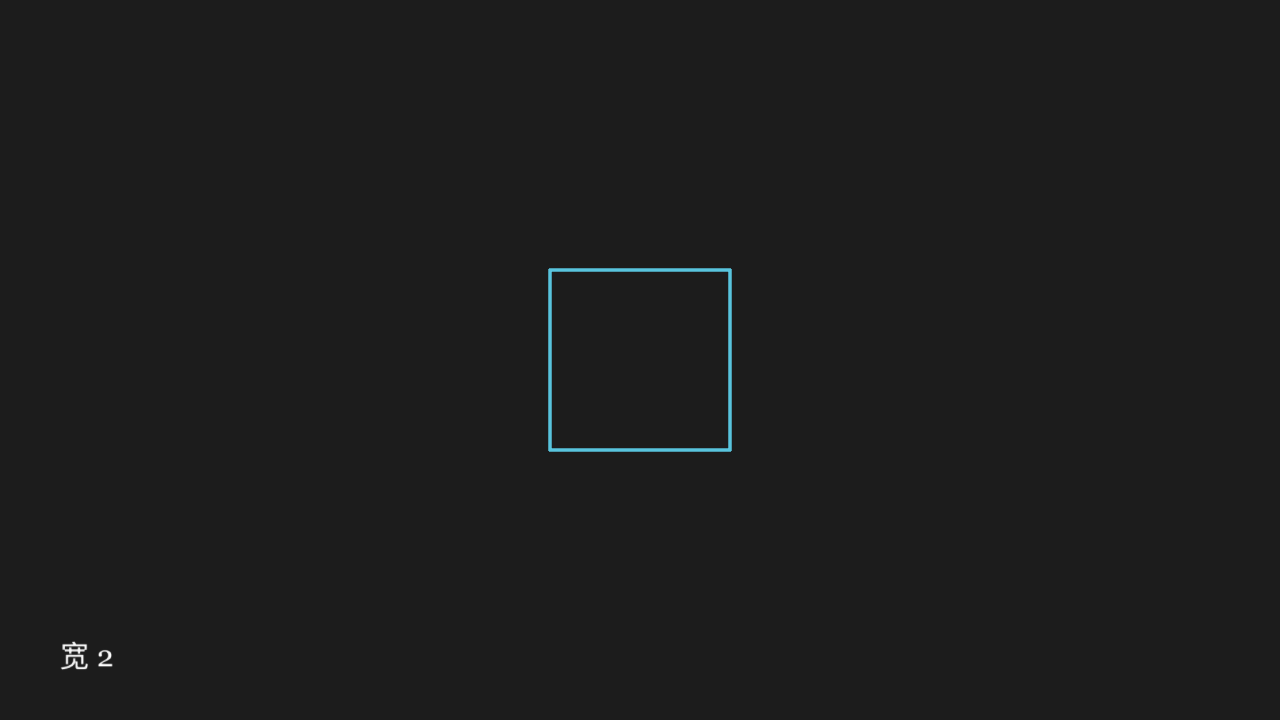
"""读 width 属性

@expect print 出的 width 与物体实际宽度一致(数值断言为准)。
@note 适配层的 __getattr__ 对任何名字都返回函数,读属性必须走 PROP_READS 的真取法
"""

from manim import *


class AttrReadScene(Scene):
    def construct(self):
        square = Square(side_length=2)
        w = square.width
        txt = Text("宽 " + str(round(w, 2)), font_size=32)
        txt.to_corner(DL)
        self.play(Create(square), Write(txt))
        self.wait(0.3)
get_center used for placement
A mobject placed with get_center's return value has its centre exactly where expected.
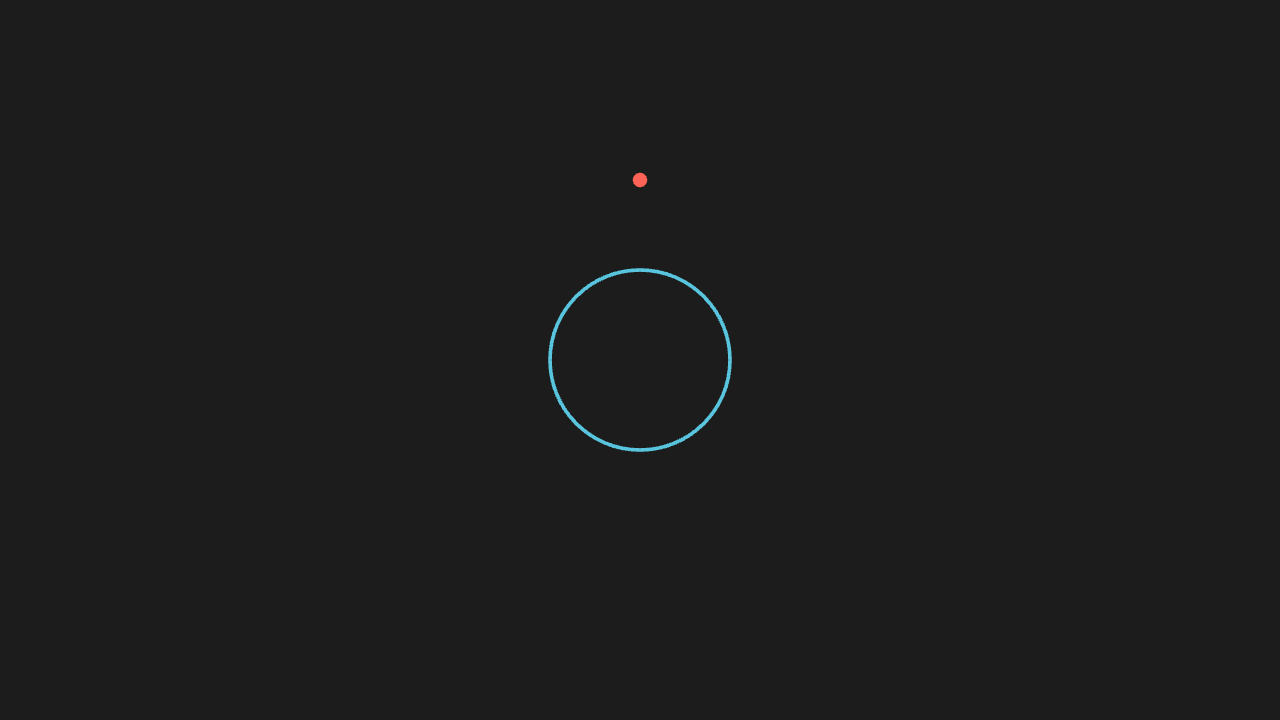
"""get_center 参与定位

@expect 用 get_center 的返回值定位出的物体,中心正落在预期位置。"""

from manim import *


class GetCenterScene(Scene):
    def construct(self):
        circle = Circle(radius=1, color=BLUE)
        dot = Dot(point=circle.get_center() + UP * 2, color=RED)
        self.play(Create(circle), FadeIn(dot))
        self.wait(0.3)
copy produces a new mobject
Changing the copy leaves the original untouched — the two are independent and share no style.
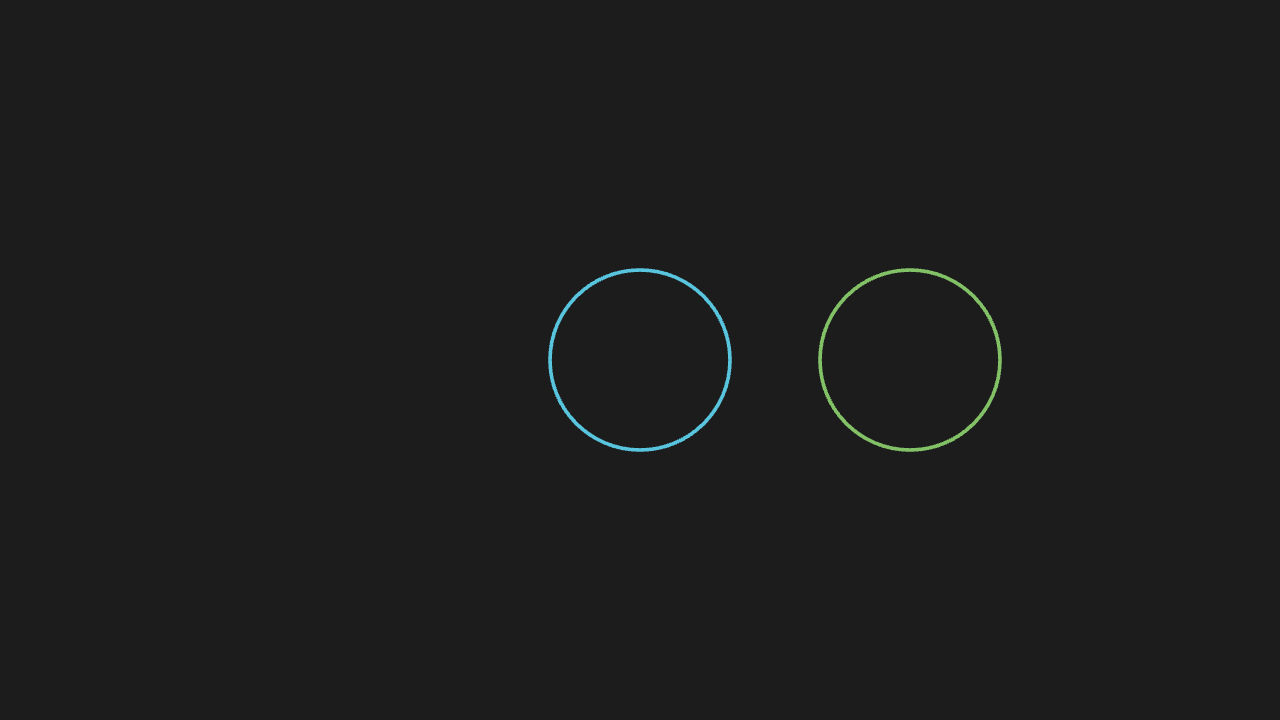
"""copy 出新物体

@expect 副本改动后原件不动——两者独立,不串样式。"""

from manim import *


class CopyScene(Scene):
    def construct(self):
        circle = Circle(radius=1, color=BLUE)
        copy = circle.copy()
        copy.shift(RIGHT * 3).set_color(GREEN)
        self.play(Create(circle), Create(copy))
        self.wait(0.3)