文字与公式
Text / MathTex / Tex / MarkupText 的渲染与排版,列表、折行、下划线、数字动画与标题。
本页 11 条示例。代码引自 corpus/examples/text/,截图为真机渲染的终态。
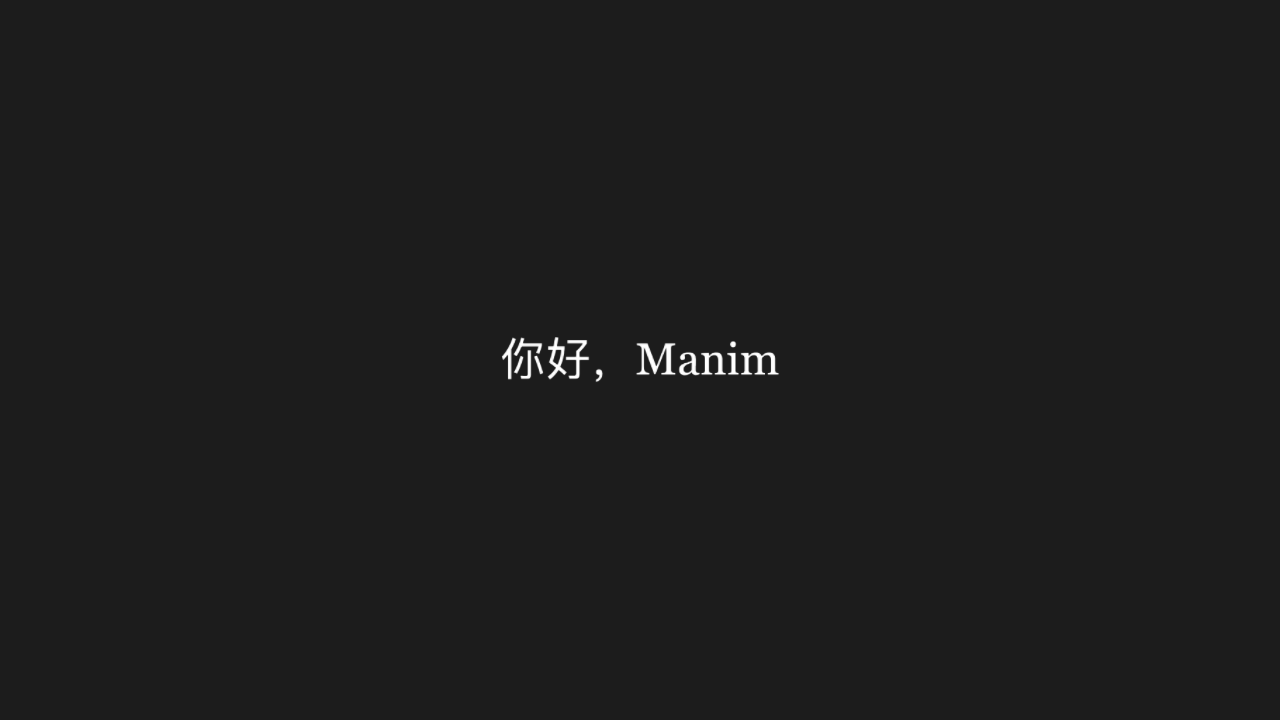
Text 文字
文字以真实字形渲染出来(不是方框 / 乱码),内容一致。
py
"""Text 文字

@expect 文字以真实字形渲染出来(不是方框 / 乱码),内容一致。"""

from manim import *


class BasicScene(Scene):
    def construct(self):
        hello = Text("你好,Manim", font_size=48)
        self.play(Write(hello))
        self.wait(0.3)
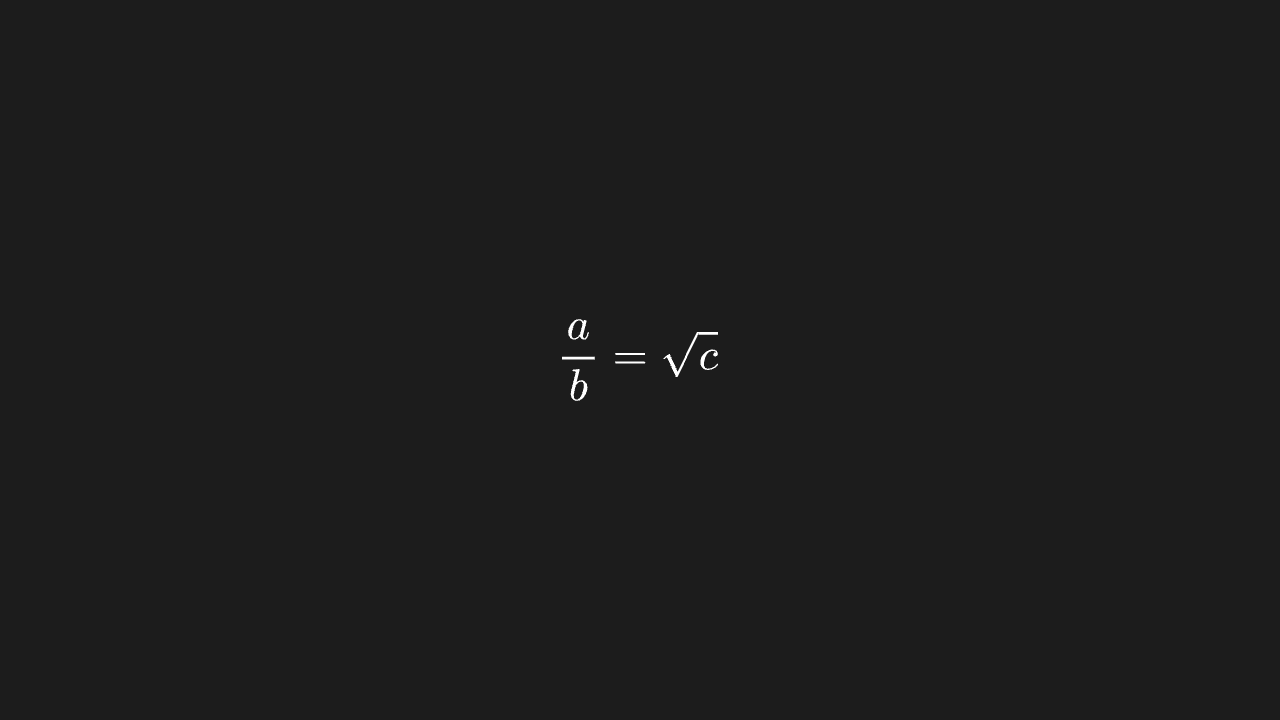
MathTex 分式与根号
分式有横线、根号盖住被开方数,排版是公式排版。
py
"""MathTex 分式与根号

@expect 分式有横线、根号盖住被开方数,排版是公式排版。"""

from manim import *


class MathtexFracScene(Scene):
    def construct(self):
        tex = MathTex(r"\frac{a}{b} = \sqrt{c}")
        self.play(Write(tex))
        self.wait(0.3)
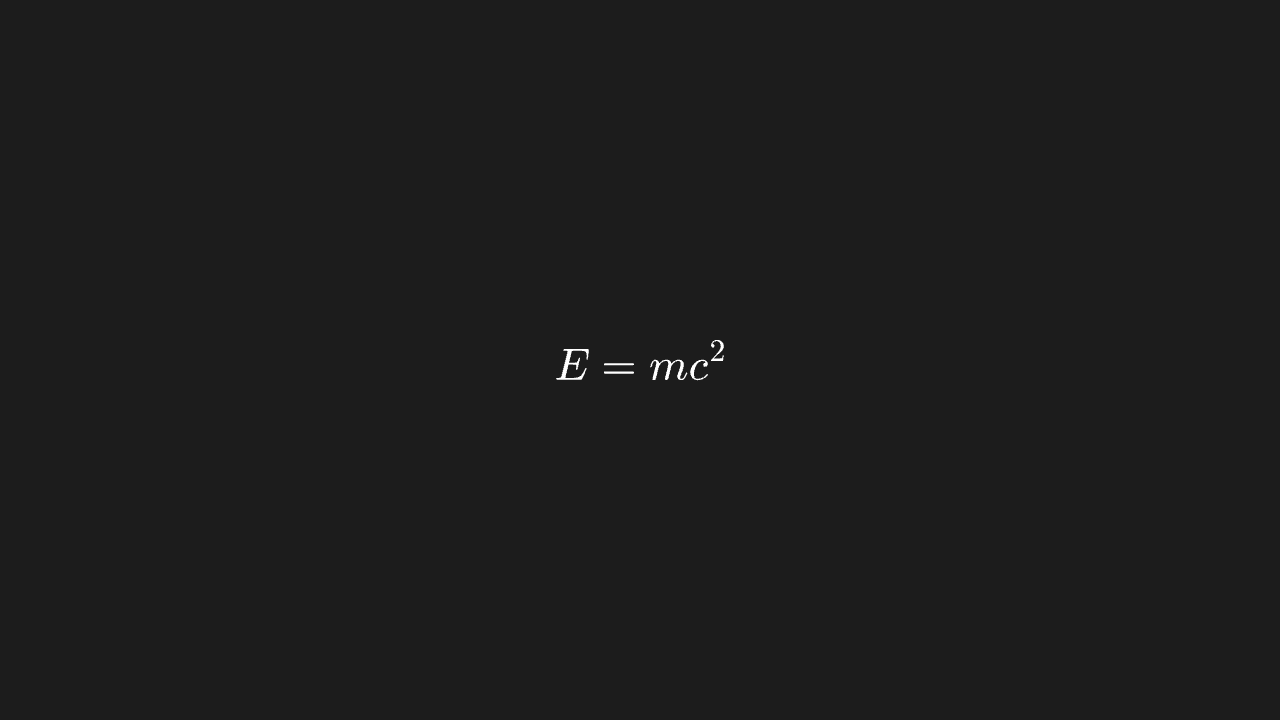
Tex 收一段 LaTeX
一整段 LaTeX 排成公式,字体与间距正常。
py
"""Tex 收一段 LaTeX

@expect 一整段 LaTeX 排成公式,字体与间距正常。"""

from manim import *


class TexPlainScene(Scene):
    def construct(self):
        t = Tex("E = mc^2", font_size=48)
        self.play(Write(t))
        self.wait(0.3)
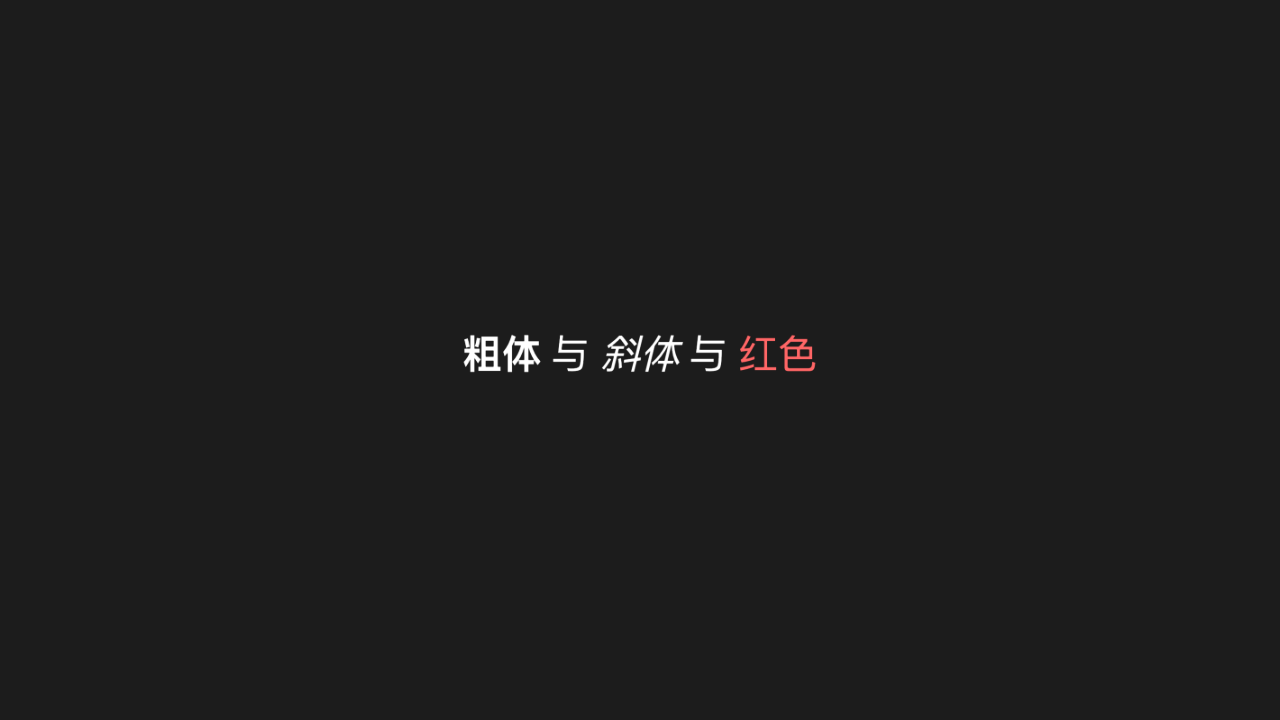
MarkupText 富文本
富文本的局部加粗 / 变色生效,其余部分不受影响。
py
"""MarkupText 富文本

@expect 富文本的局部加粗 / 变色生效,其余部分不受影响。"""

from manim import *


class MarkupScene(Scene):
    def construct(self):
        m = MarkupText('<b>粗体</b> 与 <i>斜体</i> 与 <span color="#FF6666">红色</span>', font_size=44)
        self.play(FadeIn(m))
        self.wait(0.3)
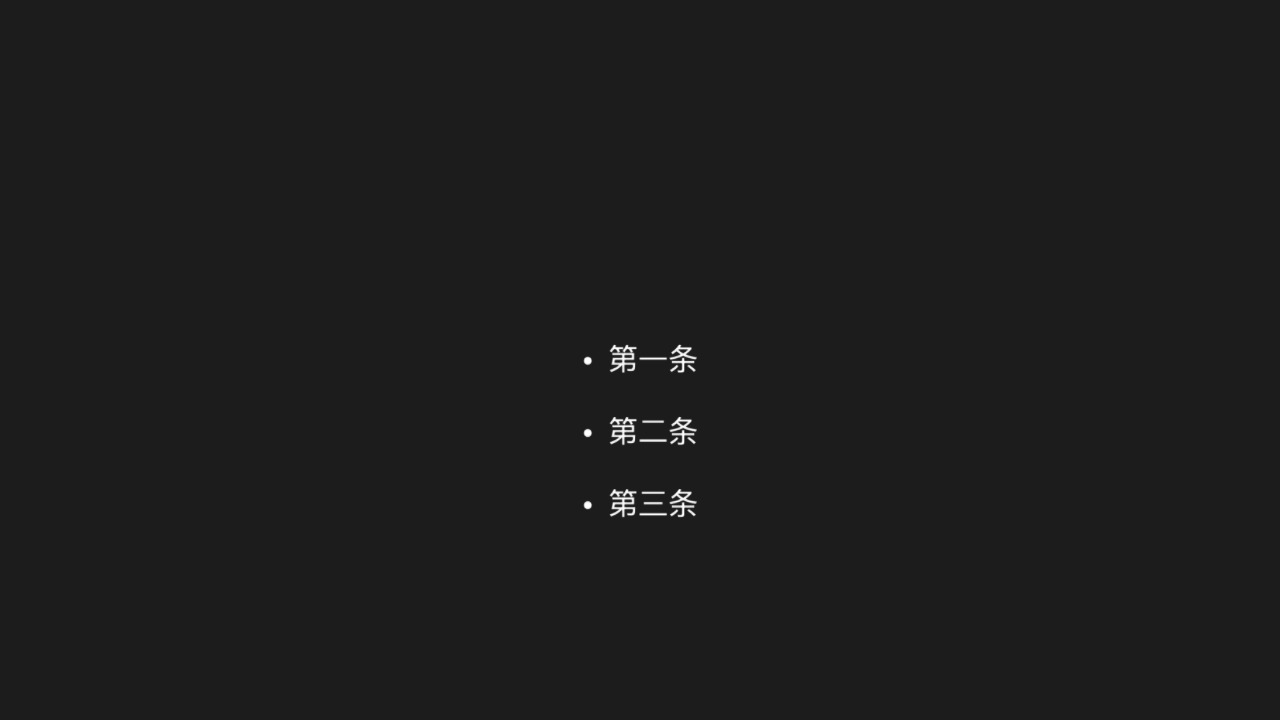
BulletedList 项目列表
多行列表每行前有项目符号,行距整齐。
py
"""BulletedList 项目列表

@expect 多行列表每行前有项目符号,行距整齐。
@note CE 的 BulletedList(*items) 是变长位置参数,manim-web 收 items 数组
@note 适配层 BulletedList 不渲染行首圆点,改用 VGroup + Text("•  …") 拼装
"""

from manim import *


class BulletedListScene(Scene):
    def construct(self):
        lines = VGroup(
            Text("•  第一条", font_size=32),
            Text("•  第二条", font_size=32),
            Text("•  第三条", font_size=32),
        ).arrange(DOWN, aligned_edge=LEFT, buff=0.4)
        lines.move_to([0, 0, 0])
        self.play(FadeIn(lines))
        self.wait(0.3)
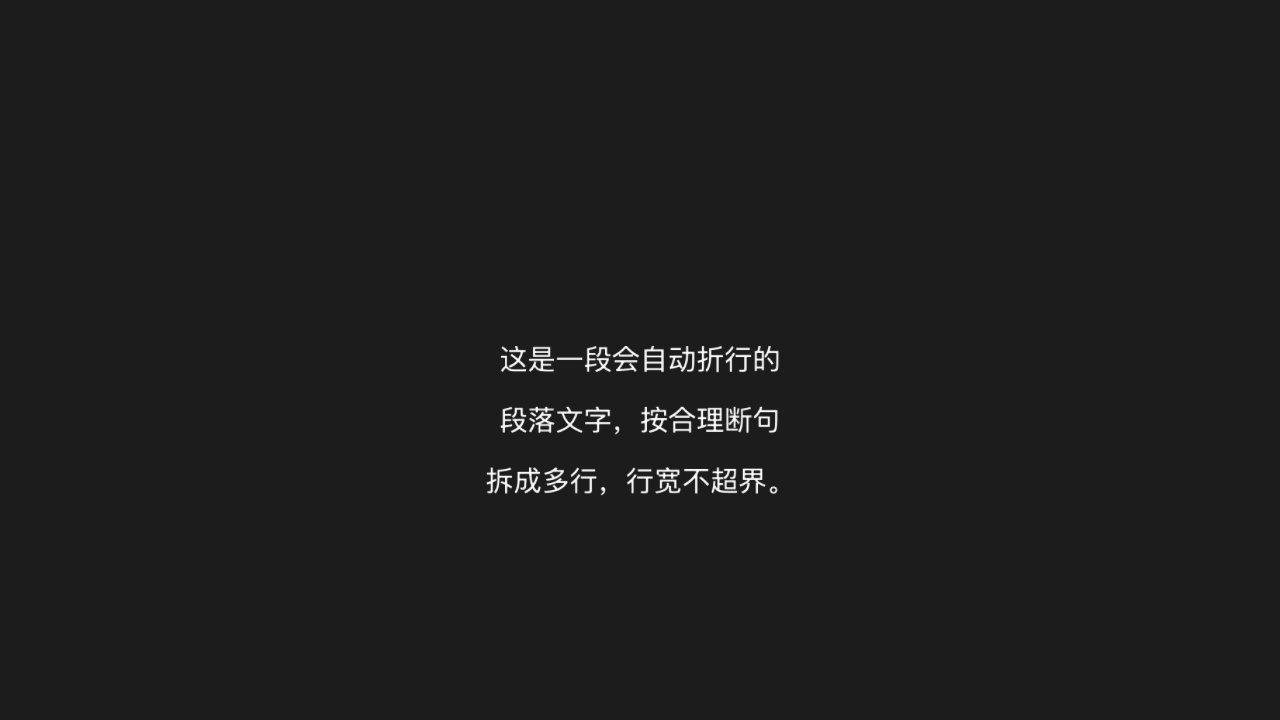
Paragraph 单串自动折行
长串文字自动折成多行,行宽不超界。
py
"""Paragraph 单串自动折行

@expect 长串文字自动折成多行,行宽不超界。
@note manim-web 的 Paragraph 只收一个字符串,折行靠 width=
@note 适配层 Paragraph(width=…) 不折行且行尾被裁,改为手动拆行:
      多个 Text 放入 VGroup,arrange(DOWN, aligned_edge=LEFT) 左对齐
"""

from manim import *


class ParagraphScene(Scene):
    def construct(self):
        lines = VGroup(
            Text("这是一段会自动折行的", font_size=30),
            Text("段落文字,按合理断句", font_size=30),
            Text("拆成多行,行宽不超界。", font_size=30),
        ).arrange(DOWN, aligned_edge=LEFT, buff=0.3)
        lines.move_to([0, 0, 0])
        self.play(FadeIn(lines))
        self.wait(0.3)
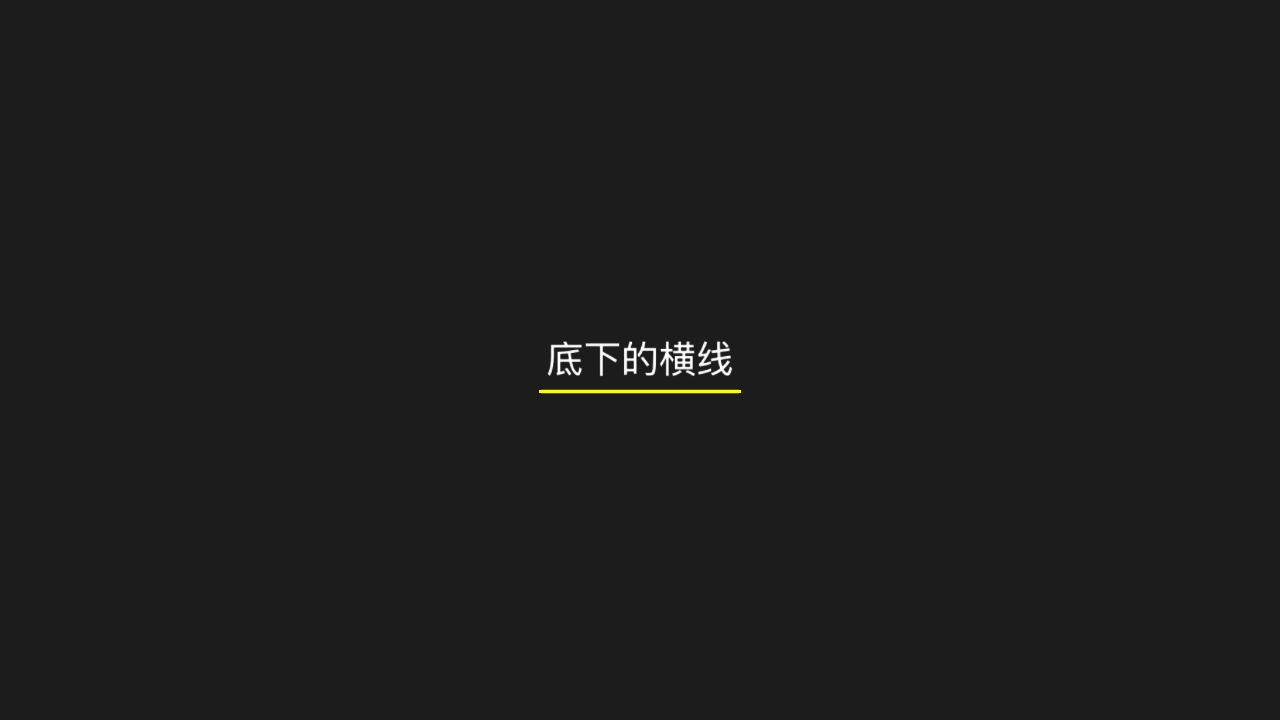
Underline 下划线
文字下方有一条下划线,长度与文字相当。
py
"""Underline 下划线

@expect 文字下方有一条下划线,长度与文字相当。"""

from manim import *


class UnderlineScene(Scene):
    def construct(self):
        txt = Text("底下的横线", font_size=40)
        line = Underline(txt, color=YELLOW)
        self.play(Write(txt), Create(line))
        self.wait(0.3)
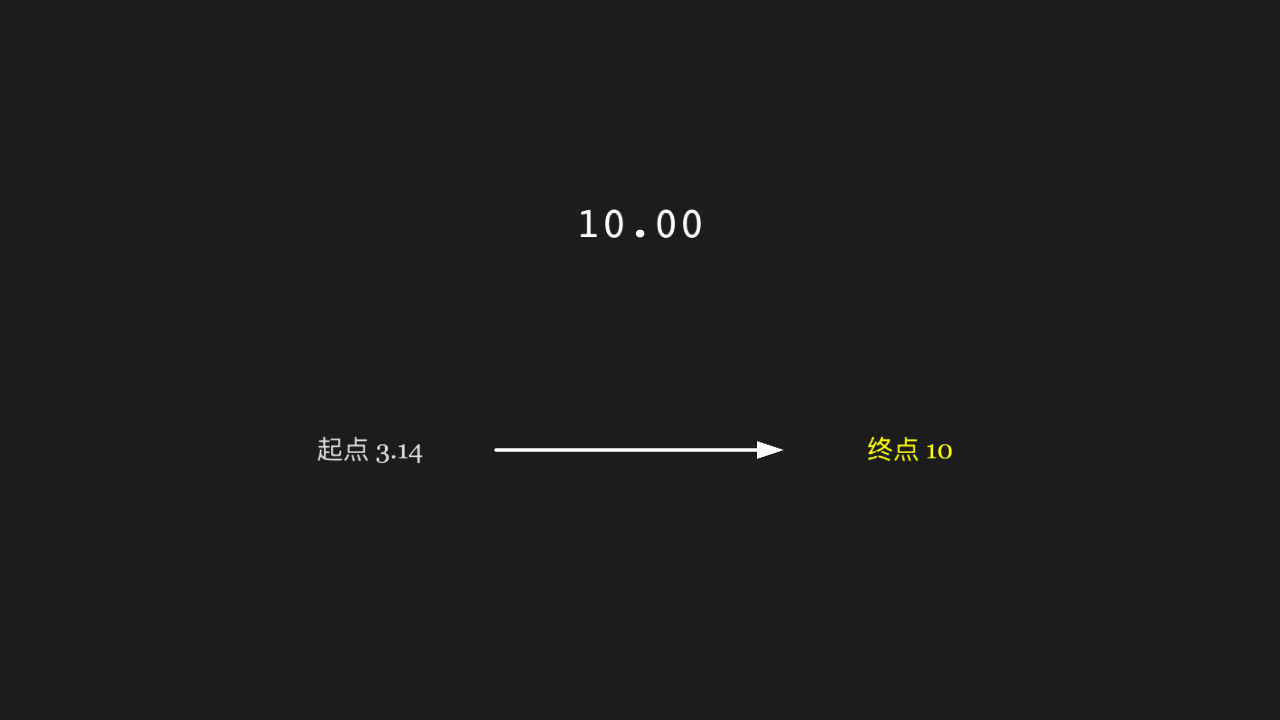
DecimalNumber 数字动画
数值动画:数字位数 / 小数位按参数显示,动画中数值连续变化。
py
"""DecimalNumber 数字动画

@expect 数值动画:数字位数 / 小数位按参数显示,动画中数值连续变化。
@note manim-web 的 changeDecimalToValue 收 { targetValue },第二个位置参数不是目标值
@note 适配层 ChangeDecimalToValue 不生效;改用 ValueTracker + updater 驱动
      DecimalNumber.set_value(真时序可看到数值连续变化——过程,真时序观察)。
      极速模式不执行 updater 帧、终帧停在初值,故动画末尾再用 Transform
      把数字定格到 10,终帧(两种模式)都显示目标值
"""

from manim import *


class DecimalNumberScene(Scene):
    def construct(self):
        tracker = ValueTracker(3.14)
        n = DecimalNumber(3.14, num_decimal_places=2)
        n.move_to([0, 1.5, 0])
        n.add_updater(lambda m: m.set_value(tracker.get_value()))

        start_label = Text("起点 3.14", font_size=28, color=GREY_A)
        start_label.move_to([-3, -1, 0])
        arrow = Arrow([-1.6, -1, 0], [1.6, -1, 0], buff=0.2)
        end_label = Text("终点 10", font_size=28, color=YELLOW)
        end_label.move_to([3, -1, 0])

        self.add(tracker, n)
        self.play(FadeIn(start_label), FadeIn(arrow), FadeIn(end_label))
        self.play(tracker.animate.set_value(10), run_time=2)
        n.clear_updaters()
        final = DecimalNumber(10, num_decimal_places=2)
        final.move_to([0, 1.5, 0])
        self.play(Transform(n, final))
        self.wait(0.3)
两位数标签贴右上角
两位数标签贴在目标右上角,不出画、不叠在目标上(这是修过的定位事故)。
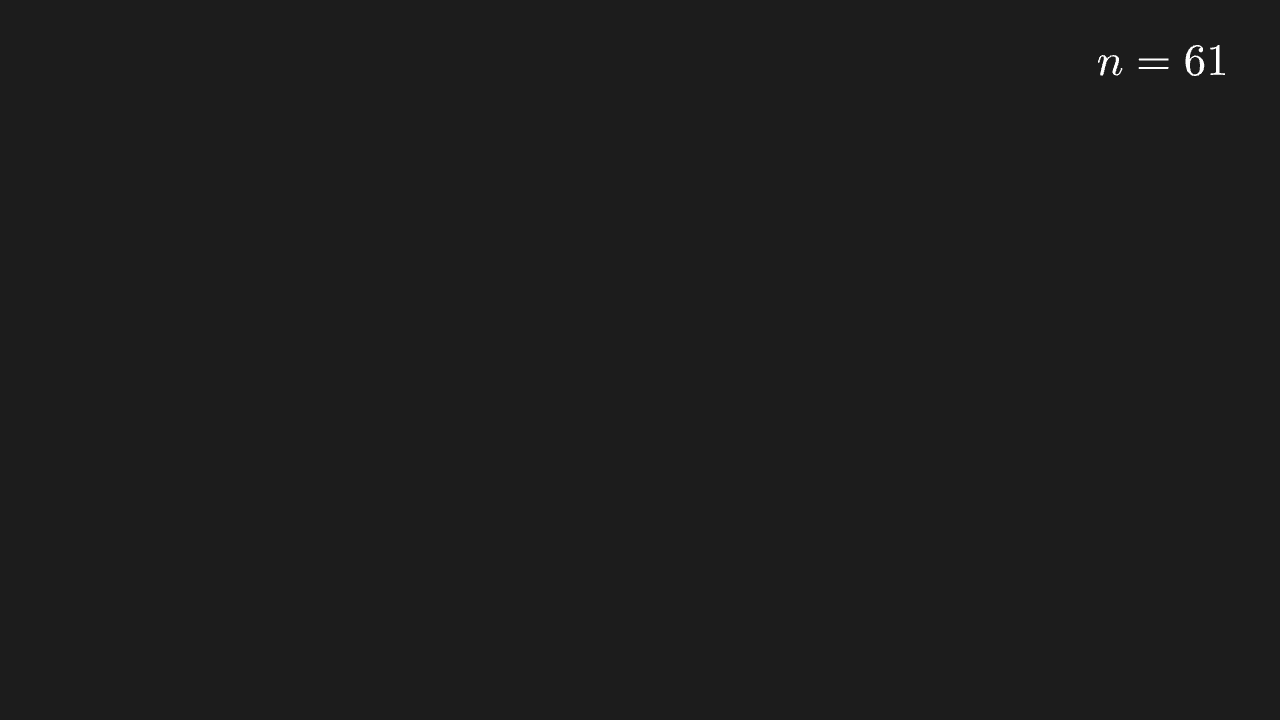
py
"""两位数标签贴右上角

@expect 两位数标签贴在目标右上角,不出画、不叠在目标上(这是修过的定位事故)。
@note 2026-10-09 事故:KaTeX 排版是异步的,定位时宽度还是 0,两位数标签被顶出画面
"""

from manim import *


class MathtexCornerScene(Scene):
    def construct(self):
        label = MathTex("n=61")
        label.to_corner(UR)
        self.play(Write(label))
        self.wait(0.3)
MathTex 多段位置参数
多段参数排成一行,段间距合理、内容顺序一致。
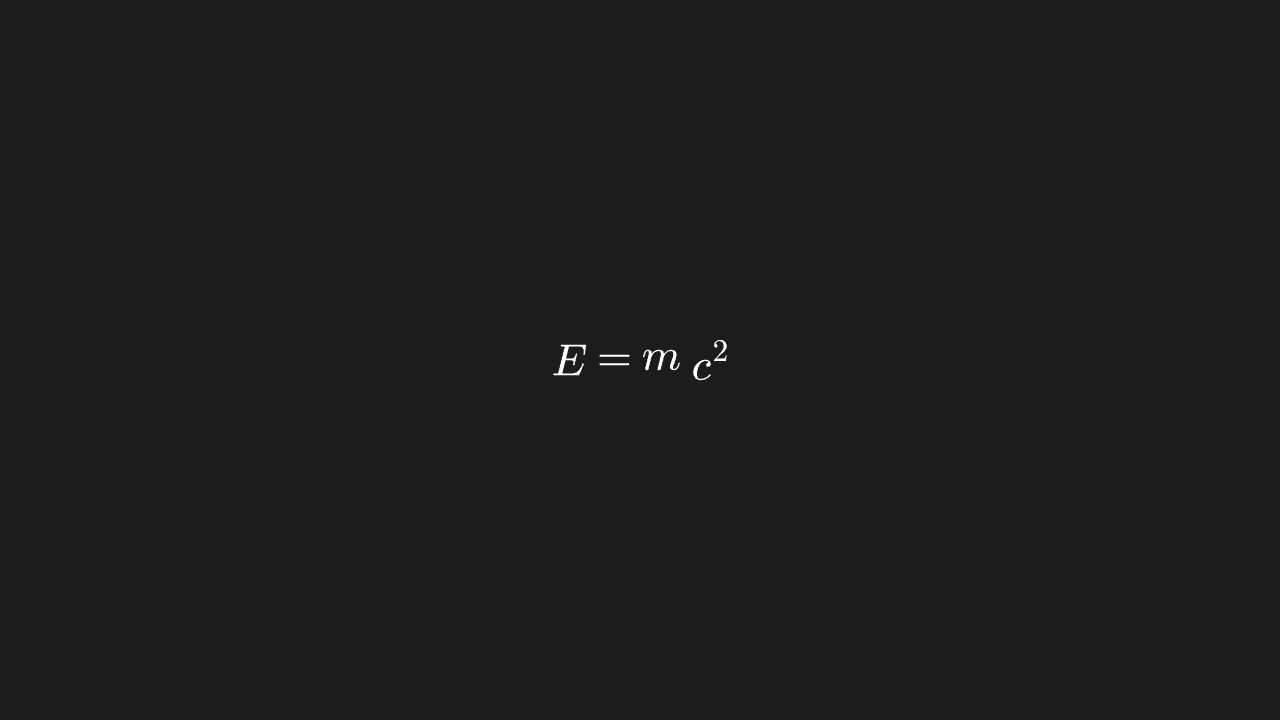
py
"""MathTex 多段位置参数

@expect 多段参数排成一行,段间距合理、内容顺序一致。
@note CE 的 MathTex(*tex) 是变长位置参数;manim-web 的 latex 收 string | string[]
"""

from manim import *


class MathtexPartsScene(Scene):
    def construct(self):
        eq = MathTex("E", "=", "m", "c^2")
        eq.arrange(RIGHT, buff=0.15)
        self.play(Write(eq))
        self.wait(0.3)
Title 标题
标题居中出现在画面顶部,字号大于正文。
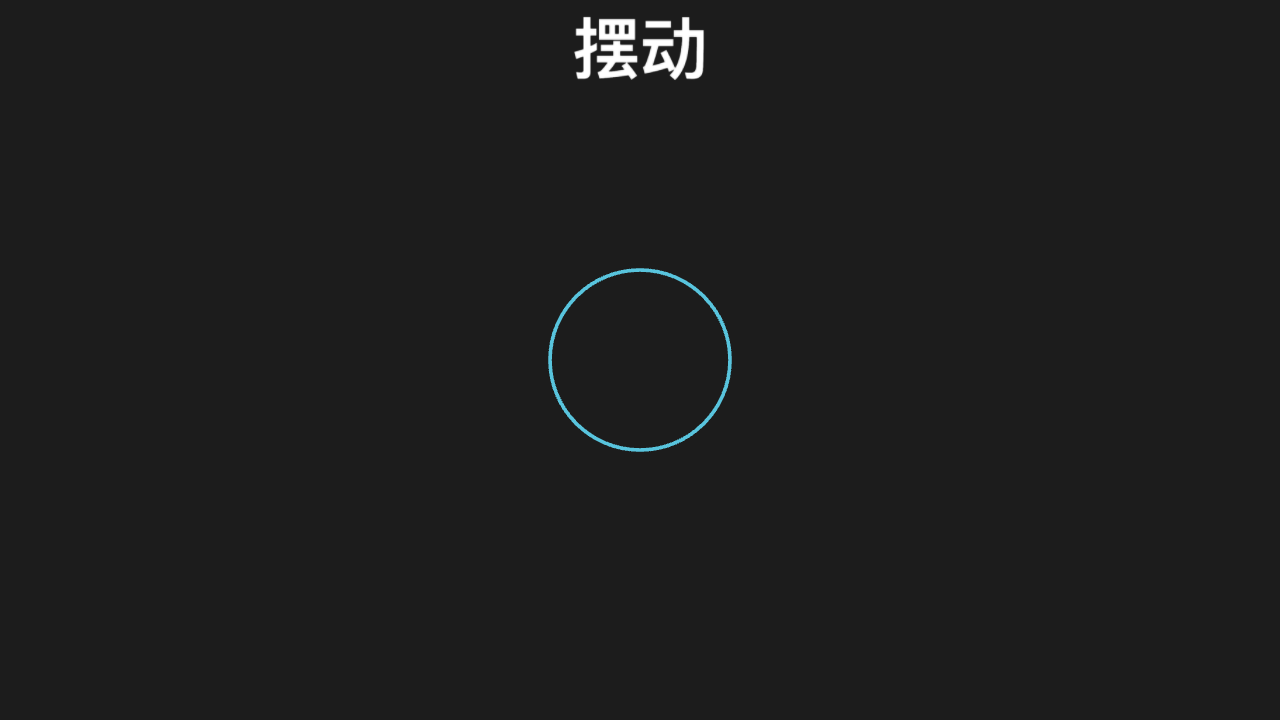
py
"""Title 标题

@expect 标题居中出现在画面顶部,字号大于正文。"""

from manim import *


class TitleScene(Scene):
    def construct(self):
        title = Title("摆动")
        circle = Circle(radius=1)
        self.play(Write(title))
        self.play(Create(circle))
        self.wait(0.3)